Transactional Emails: The Hidden Revenue Channel Inside Your Product
Transactional emails are automated messages triggered by a specific user action — an order confirmation, a password reset, a signup welcome, a shipping notification. Unlike marketing emails, they're expected and wanted by the recipient. This gives them uniquely high engagement: open rates of 60–80%, compared to 20–40% for marketing emails.
Quick Answer: Transactional emails are the most-opened emails you send. Most companies waste this attention by treating them as purely functional. Adding a relevant cross-sell, an upgrade prompt, or a community CTA to a confirmation email costs almost nothing — and consistently adds revenue. The opportunity is large; the effort is small.
Why Transactional Emails Are Different
| Attribute | Transactional | Marketing |
|---|---|---|
| Trigger | User action | Marketer decision |
| Open rate | 60–80% | 20–40% |
| Expected by recipient | ✅ Yes | Not always |
| Spam risk | Very low | Moderate |
| CAN-SPAM / GDPR | Lower restrictions | Higher restrictions |
| Opt-out required | Not always (check regulations) | Always |
Transactional emails have a legitimacy and relevance advantage that marketing emails can never fully replicate. The challenge is that they're usually designed by engineering teams, not marketing teams — so they're functional but not optimized for engagement or revenue.
The Most Common Transactional Email Types
1. Order Confirmation
When: Immediately after a purchase is completed.
Typical content: Order summary, item details, total price, estimated delivery, contact information.
What most brands do: A functional receipt with zero brand personality and no further engagement hook.
What great brands do:
- Reinforce the purchase decision (reduce buyer's remorse): "Great choice — here's what to expect"
- Show complementary products ("Others who bought X also love Y")
- Invite them to share on social or refer a friend
- Link to helpful getting-started content if it's a first-time buyer
The revenue opportunity: A single "You might also like" row in your order confirmation email, populated with relevant recommendations, can add meaningful revenue on every purchase — with zero acquisition cost since the email is already being sent.
2. Shipping Confirmation / Delivery Notifications
When: When order ships; when delivered.
Typical content: Tracking number, carrier link, estimated delivery date.
What great brands do:
- Build excitement: "Your [Product] is on its way — here's how to make the most of it"
- Link to setup guides, tutorials, or community
- Include a referral prompt: "Enjoying your order? Give a friend 15% off"
- Set up the post-delivery review request (tease it now; send it in 7 days)
Why this matters: The period between order and delivery is when buyer enthusiasm is highest. Shipping notifications that reinforce excitement and add value capture this window. Most brands squander it with a bare tracking link.
3. Welcome / Account Created
When: Immediately after a new account is created.
This is the highest-leverage transactional email for SaaS and marketplace products. The user just went from anonymous to identified — they have real intent. What you do in the next 5 minutes with that intent defines whether they activate or churn.
What to include:
- A single, specific first action ("Start here → [the most important first step]")
- A brief, warm brand introduction
- A way to reach support (reduces anxiety in new users)
- For SaaS: a teaser of what they'll unlock when they complete onboarding
See the SaaS Welcome Email Sequences post for a full welcome sequence breakdown.
4. Password Reset
Typically: A purely functional email. But it's opened by almost everyone who requests it — and it's a moment of re-engagement with your product.
Minimum best practice:
- Fast delivery (within 60 seconds of request)
- Clear, prominent reset link
- Short expiry window (1 hour) — state this clearly
- Link to support if they didn't request the reset
The subtle opportunity: This email reaches someone who was actively trying to get back into your product. After delivering the reset link, a brief "While you're back — here's what's new" or "Explore the new [Feature]" section captures a moment of re-engagement that's often squandered.
5. Payment Failure / Subscription Renewal Failure
This is the most financially important transactional email many SaaS companies send. A failed payment that isn't recovered quickly results in involuntary churn — and most failed payments are recoverable if you act within 48 hours.
Best practice sequence:
- Email 1 (immediately): "Your payment didn't go through — update your card to keep access" — direct, no fluff
- Email 2 (Day 3): Reminder with clear link to update payment method
- Email 3 (Day 5): "Your account will be paused in 48 hours" — urgency + clear path to resolution
- Email 4 (Day 7): "Your account has been paused" — what to do to restore
What to avoid: Soft language that obscures urgency. A payment failure email should be unmistakably clear about what happened and what the user needs to do. This is not the place for brand personality — it's the place for clarity.
6. Usage Limit / Quota Notifications
For SaaS products with usage-based pricing: When a user approaches or hits their plan limit, a triggered email is both a service alert and an upsell opportunity.
Done well: "You've used 90% of your monthly limit. Here's how to upgrade to keep going."
Done poorly: Hitting the limit with no warning, then a vague "You've exceeded your limit" error with no upgrade path in the email.
The revenue angle: Users who hit limits voluntarily convert to paid or higher tiers at dramatically higher rates than users receiving unprompted upsell emails. This transactional trigger is your clearest, most contextual upsell moment.
7. Review Requests
When: 5–14 days after product delivery or first meaningful use of a SaaS feature.
Why timing matters: Too early (same day as delivery) = product hasn't been used. Too late (60 days) = customer has moved on mentally.
Best practices:
- Plain text, personal-feeling email
- Specific product reference ("How's your [Product Name] working out?")
- Single-click rating if possible (star rating in email vs. long survey)
- Link to review on Google, Trustpilot, G2, Capterra — wherever matters most for your business
Transactional Email Design Best Practices
Unlike marketing emails, transactional emails should lean functional rather than visual:
- Speed over beauty: Plain or minimal HTML often deliveries faster and feels more authentic
- Mobile mandatory: High percentage of transactional emails are opened on mobile immediately after triggering action
- Essential information first: Don't bury the order number or tracking link. Lead with what the user is looking for.
- Brand-consistent but not heavy: Your logo and color scheme, but not full marketing email design treatment
- Single primary action: Every transactional email should have one main thing the user should do next
Transactional Email Infrastructure: Key Decisions
Separate transactional from marketing: Use a different sending domain or subdomain for transactional email (e.g., notifications.yourcompany.com vs. mail.yourcompany.com). This protects your transactional deliverability from the engagement signals of your marketing sends.
Dedicated ESP for transactional: Some teams use a dedicated transactional email service (SendGrid, Postmark, AWS SES, Mailgun) separate from their marketing ESP. This ensures high delivery speed and reliability independent of your marketing platform's load.
Delivery speed matters: A password reset that takes 10 minutes to arrive or an order confirmation delayed by 30 minutes damages trust. Monitor your transactional delivery latency.
Frequently Asked Questions
What is a transactional email?
A transactional email is an automated message triggered by a specific user action — order confirmation, shipping notification, password reset, account creation, payment failure. Unlike marketing emails, they're sent one-to-one in response to a user event rather than as a scheduled campaign to a segment.
Do transactional emails need to follow CAN-SPAM and GDPR?
Transactional emails generally have fewer restrictions than marketing emails under both laws, because they're triggered by the user's own action. However, if you include marketing content alongside the transactional content, the more restrictive marketing email rules apply. Check current regulations for your jurisdiction — this distinction varies.
Can I include marketing content in transactional emails?
Yes, with moderation. A cross-sell recommendation or feature highlight added below the primary transactional content is generally accepted. If the marketing content dominates the email, it should be treated as a marketing email with the associated opt-out requirements.
What's the best platform for sending transactional emails?
Postmark leads on delivery speed and reliability. SendGrid is the most widely used and integrates with almost everything. AWS SES is the most cost-effective at high volume. For teams that want marketing and transactional in one place: Klaviyo (e-com), Customer.io, or Loops (SaaS) all handle both.
How do I improve my transactional email delivery rate?
Use a dedicated sending domain or subdomain for transactional sends, separate from your marketing domain. Ensure SPF, DKIM, and DMARC are configured. Monitor delivery latency. Use a dedicated IP if you're sending high volume. Keep transactional emails separate from marketing sends to protect each stream's reputation independently.
Conclusion
Transactional emails are the most opened emails you send — and they're triggered at the moments of highest user intent. The opportunity to add value, drive additional conversions, or simply deliver a great brand experience in these moments is enormous.
The minimum: make sure your transactional emails deliver fast, render correctly, and clearly communicate the essential information. The upside: add one relevant cross-sell, one upgrade prompt, or one engagement hook to your highest-volume transactionals, and measure the lift. Most brands that do this are surprised by how much revenue was sitting in emails they'd always treated as receipts.
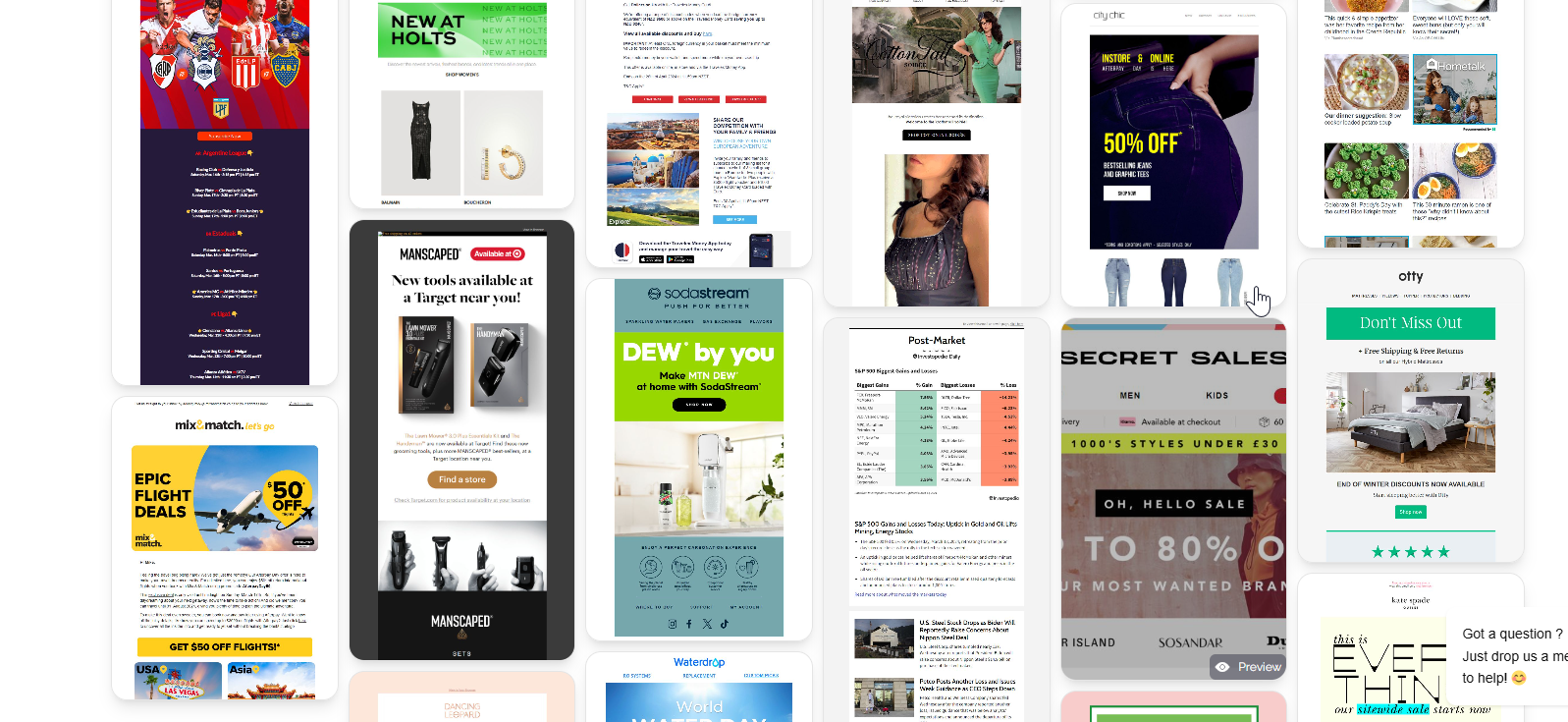
Browse MailGlider to see how top brands design their email programs — including examples of how leading companies turn functional email moments into engagement and revenue opportunities.