How to Build a Re-Engagement Campaign That Actually Works
A re-engagement campaign (also called a win-back or sunset campaign) is an automated sequence of emails sent to inactive subscribers — people who haven't opened or clicked your emails in a defined period — with the goal of either reigniting their interest or cleanly removing them from your list. It is one of the most important list maintenance actions you can take, directly improving deliverability and reducing the cost of sending to contacts who will never engage.
Quick Answer: Define "inactive" for your list (typically 60–180 days of no opens or clicks). Send a 3-4 email re-engagement sequence with a clear hook, a compelling reason to come back, and a final "are you still in?" email. Remove anyone who doesn't respond. A clean, engaged list is more valuable than a large, inactive one.
Why Inactive Subscribers Are Actively Hurting You
It's tempting to leave inactive contacts on the list — the number looks good, and maybe someday they'll come back. Here's why that's a mistake:
1. Deliverability damage
Email providers like Gmail use engagement signals to score your sending reputation. If a large percentage of your list never opens your emails, Gmail interprets that as a signal that your emails aren't wanted — and routes more of them to spam, including for your engaged subscribers.
2. Cost
Most ESPs charge by contact count. Sending to 20,000 contacts when 8,000 of them are completely inactive means you're paying to reach people who will never convert.
3. Metrics distortion
Inactive contacts drag down your open rate and click rate averages, making it harder to measure real engagement and harder to benchmark improvement.
4. Spam trap risk
Some inactive addresses are eventually converted into spam traps by anti-spam organizations. Sending to these can damage your domain reputation significantly.
Defining "Inactive" for Your List
There's no universal definition — it depends on your sending frequency:
| Sending Frequency | Inactive Threshold |
|---|---|
| Daily | 30–45 days no engagement |
| Weekly | 60–90 days no engagement |
| Bi-weekly | 90–120 days no engagement |
| Monthly | 120–180 days no engagement |
The key metric is engagement — opens and clicks. Not just opens (Apple's Mail Privacy Protection can inflate open tracking). Focus on clicks as your primary signal of genuine activity.
The Re-Engagement Campaign Structure
A strong re-engagement sequence has 3–4 emails over 2–3 weeks:
| Timing | Theme | Goal | |
|---|---|---|---|
| 1 | Day 1 | "We miss you" / what's new | Soft re-entry |
| 2 | Day 5 | Your best content or biggest value | Remind them why they signed up |
| 3 | Day 10 | Exclusive offer or benefit | Give them a reason to re-engage now |
| 4 | Day 14 | "Last chance — stay or go" | Force a decision; clean the list |
Email-by-Email Breakdown
Email 1: "We Miss You" (Day 1)
Goal: Re-introduce yourself with warmth. Not a hard sell — just an acknowledgment that you've noticed their absence and a reason to come back.
Subject line examples:
- "It's been a while, {{first_name}}"
- "We noticed you've been quiet"
- "Still want to hear from us?"
What to include:
- A warm, brief acknowledgment ("We noticed you haven't been around lately")
- What's new or what they've missed since they last engaged
- A low-friction CTA — not "buy now," but "see what's new" or "take a look"
What to avoid: Guilt, pressure, or exaggerated urgency. Keep it conversational and genuine.
Email 2: Your Best Value (Day 5)
Goal: Remind them why they signed up in the first place. This email should deliver real value, not just a prompt to re-engage.
Subject line examples:
- "Our most popular resource this year"
- "The [content type] our most engaged readers love"
- "In case you missed this, {{first_name}}"
What to include:
- Your best-performing piece of content from the last 6 months
- A brief reminder of what you help people with
- A clear, specific CTA to the content
The logic: If someone engages with this email, they're telling you they're still interested in your content area — even if they haven't been engaging with your emails specifically.
Email 3: An Exclusive Offer or Benefit (Day 10)
Goal: Give an inactive subscriber a concrete incentive to re-engage. This is where you can introduce a special offer, early access, or exclusive content.
Subject line examples:
- "A special offer — just for subscribers who've been away"
- "We kept this for our loyal subscribers"
- "Exclusive access: [specific benefit]"
What works:
- For e-commerce: A meaningful discount or free shipping offer
- For SaaS: Extended trial, bonus features unlocked, or a free consultation
- For content/newsletters: Access to premium content, a resource pack, or early access to something new
What doesn't work: Generic "10% off" with no context or personalization. The offer needs to feel like it's for them specifically.
Email 4: The Honest Break-Up (Day 14)
This is the most important email in the sequence — and the most underused.
Goal: Force a binary decision. Either they confirm they want to stay on the list, or they don't respond and you remove them. The honesty of this email is what makes it work.
Subject line examples:
- "Should I stop emailing you?"
- "Your last email from us (unless you say otherwise)"
- "Are we breaking up?"
What to include:
- A direct, honest statement: "I'm going to stop emailing you unless you want to keep hearing from us."
- One clear CTA: "Yes, keep me subscribed" (a click that flags them as re-engaged)
- An unsubscribe option that feels like their choice, not a threat
Why this works: The directness gets attention. The permission-restoration framing makes engaged readers feel good about staying. And it forces the list-cleaning decision without you having to guess.
Reality check: A significant portion of your re-engagement sequence won't respond to Email 4. That's fine. That's the point. Those people weren't going to convert anyway — better to remove them and protect your deliverability.
After the Campaign: List Cleanup
After your re-engagement sequence:
- Tag everyone who engaged (opened or clicked any email in the sequence) as re-engaged
- Suppress everyone who didn't — remove from all marketing sends, or move to a separate "inactive archive" segment
- Run a list verification service on the remaining inactive contacts before suppressing (NeverBounce, ZeroBounce) to identify which addresses are still valid vs. bounced
Do not delete permanently right away. Keep them in a suppressed segment for 90 days in case of data compliance requests or if you want to run a separate re-engagement attempt later with a completely different hook.
Subject Lines That Work for Re-Engagement
Based on what consistently performs:
- "It's been a while" — simple, human, often best
- "We noticed you've been quiet, {{first_name}}"
- "Still interested in [topic]?"
- "One question, {{first_name}}"
- "Should I close your account?" (high-risk, high-reward for SaaS)
- "Last email (unless you want more)"
- "You have until [date] — then we part ways"
Avoid: Clickbait, fake urgency, subject lines that don't match the email tone. Re-engagement is a relationship repair exercise. Gimmicks backfire.
Measuring Re-Engagement Campaign Success
| Metric | What It Means | Target |
|---|---|---|
| Re-engagement rate | % of inactive contacts who clicked | 5–15% |
| List reduction | How many contacts removed | Good — smaller clean list is the goal |
| Post-campaign open rate | Open rate improvement after cleanup | Should increase 5–15% |
| Post-campaign deliverability | Spam complaint rate, inbox placement | Should improve within 30 days |
| Revenue from re-engaged segment | Conversions from re-engaged contacts | Varies; track for 90 days post-campaign |
Frequently Asked Questions
When should I run a re-engagement campaign?
Run one whenever your list has a meaningful segment of contacts who haven't engaged in 60–180 days (depending on your frequency). For most brands, this should be a standing automation that fires automatically when a contact passes the inactivity threshold, rather than a one-time manual campaign.
How long should a re-engagement campaign be?
3–4 emails over 2–3 weeks is the standard. Longer sequences see diminishing returns — someone who hasn't responded to 3 genuine re-engagement attempts in 2 weeks is very unlikely to respond to a 5th email.
Should I offer a discount to win back inactive subscribers?
Save the discount for Email 3, after you've first tried content and value-based re-engagement in Emails 1–2. If you lead with a discount, you train inactive subscribers to wait for discounts rather than genuinely re-engaging. Not every segment needs an offer — some re-engage on content value alone.
What happens to contacts who don't respond to re-engagement?
Suppress them from marketing sends. Don't delete — keep them in a suppressed segment for compliance and historical purposes. Your active list will be smaller but healthier, and your deliverability will improve within 30–60 days.
How do I prevent re-engagement campaigns from being needed?
Keep sends consistent and relevant so subscribers don't disengage in the first place. Remove contacts who haven't opened in 90 days as an ongoing hygiene process rather than waiting for a large backlog. Periodic preference center emails ("What topics do you want to hear about?") also help keep lists engaged.
Conclusion
Re-engagement campaigns are list maintenance with a conversion bonus. The primary goal is a clean, deliverable, engaged list — not recovering every inactive subscriber. Some will come back. Most won't. Both outcomes are good.
Run the sequence, be honest in the break-up email, clean the list after, and watch your deliverability and engagement metrics improve within 60 days.
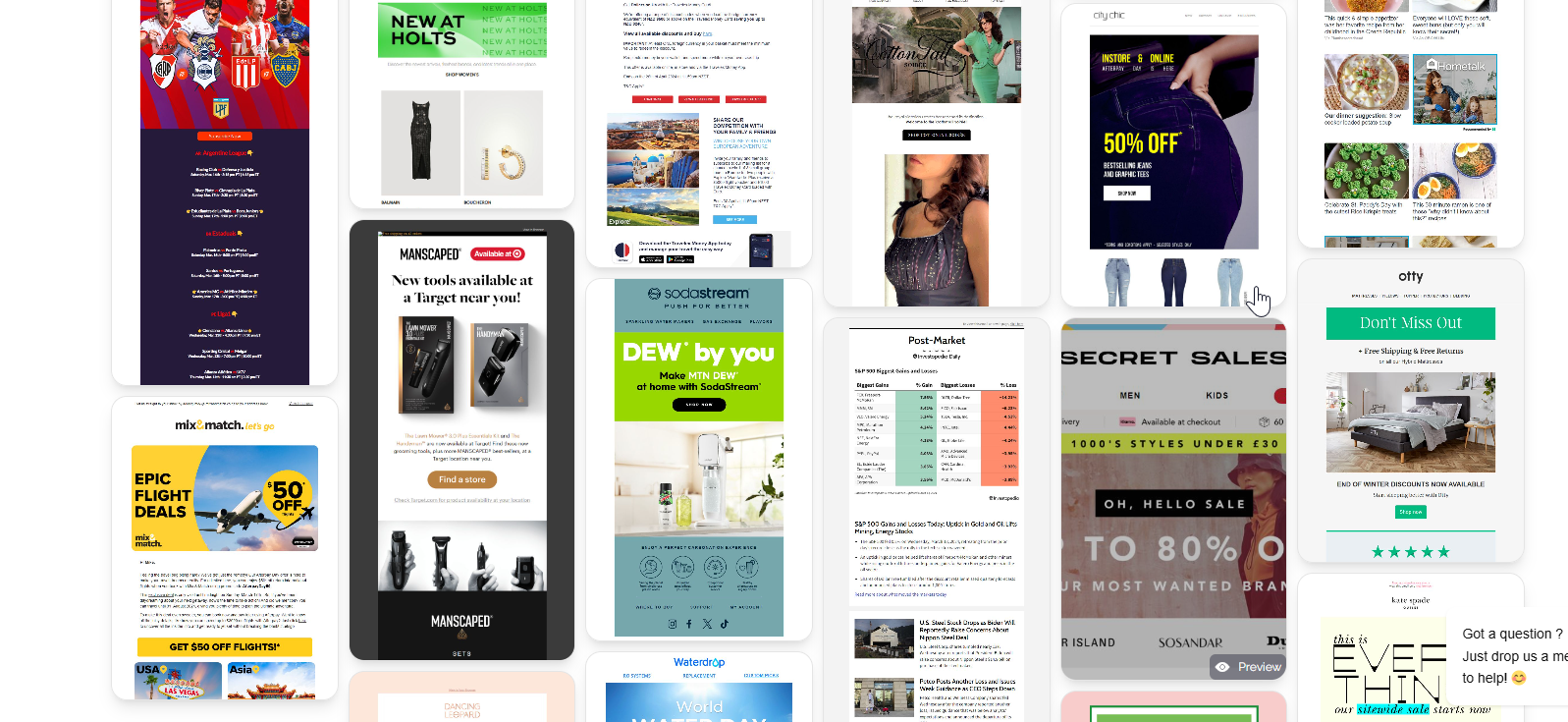
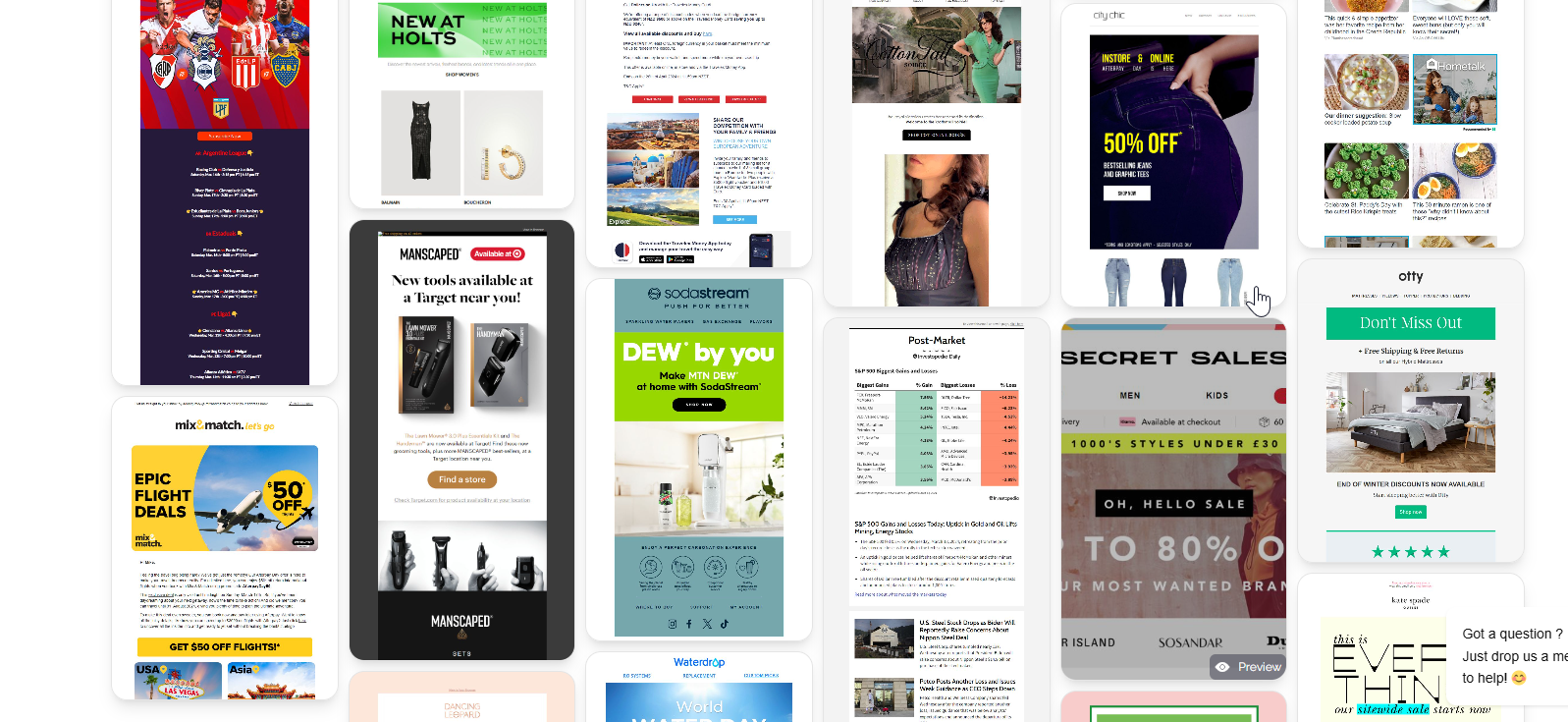
Browse MailGlider to study how top brands handle retention and re-engagement in their email programs — useful context for designing campaigns that keep subscribers engaged from the start.