Email Personalization at Scale: Beyond "Hey {{First Name}}"
Email personalization is the practice of tailoring email content to individual recipients based on who they are, what they've done, and where they are in their relationship with your product or brand. At its most basic, it's inserting a first name. At its most advanced, it's sending entirely different emails to different people within the same campaign — automatically, based on real-time behavioral data.
Quick Answer: Personalization that actually lifts conversion goes beyond names and merge tags. The highest-impact personalizations are: behavioral triggers (sending based on what someone did or didn't do), dynamic content blocks (different email sections for different segments), and lifecycle-based messaging (different emails for new users vs. loyal customers vs. churned accounts).
The Personalization Maturity Ladder
Not all personalization is equal. Here's a framework for thinking about where you are and where to go:
| Level | What It Looks Like | Lift vs. Generic |
|---|---|---|
| 0 — No personalization | Same email to everyone | Baseline |
| 1 — Merge tags | {{first_name}} in subject or greeting |
+5–10% open rate |
| 2 — Segmented sends | Different emails for different audience groups | +15–30% CTR |
| 3 — Behavioral triggers | Email fires based on specific user action | +50–100% conversion |
| 4 — Dynamic content | Same email, different blocks per segment | +20–50% CTR |
| 5 — 1:1 AI personalization | Unique content for each individual at send time | +50–200% conversion |
Most brands operate at Level 1–2. Levels 3–4 are accessible to most marketing teams today with the right ESP and data setup. Level 5 is emerging with AI personalization tools.
Level 1: Merge Tags (The Floor, Not the Ceiling)
Merge tags ({{first_name}}, {{company_name}}, {{last_purchase_date}}) are the entry point. They add a surface layer of personalization without changing the substance of the email.
What they're good for:
- Making subject lines feel more direct ("{{first_name}}, your cart is waiting")
- Adding a human touch to automated sequences
What they're NOT:
- A substitute for relevance
- A reason to skip deeper personalization
A personalized subject line on a generic email body is still a generic email. The subject got the open; the content needs to earn the click.
Level 2: Segmented Sends
Segmentation means grouping your list and sending different emails to different groups. This is the single highest-leverage personalization move for most teams.
Segmentation approaches that work:
Demographic segmentation
- Industry: send industry-specific case studies
- Role / job title: C-suite gets strategic outcomes; practitioners get how-to guides
- Company size: small teams vs. enterprise get different value propositions
- Geography: localized offers, timezone-adjusted sends
Behavioral segmentation
- Engagement level: Active (opened last 30 days) vs. warm (30–90 days) vs. cold (90+ days) — each segment gets different messaging
- Purchase history: First-time buyers get onboarding emails; repeat buyers get loyalty content
- Feature / product usage: Users who've used Feature A but not Feature B get Feature B nudges
- Email activity: Clicked on pricing? Move to sales-qualified sequence. Clicked on a how-to? Move to educational nurture.
Lifecycle segmentation
| Stage | Who They Are | Email Focus |
|---|---|---|
| New subscriber | Just signed up, no purchase | Education + trust building |
| Active trialer | In trial, using product | Activation + aha moment |
| New customer | First purchase in last 30 days | Onboarding + cross-sell |
| Loyal customer | 3+ purchases or 6+ months active | VIP perks + advocacy |
| At-risk | Engagement dropping | Re-engagement + win-back |
| Churned | Cancelled / not purchased in 6+ months | Win-back or suppression |
Level 3: Behavioral Triggers
Triggered emails fire automatically in response to a specific user action (or inaction). They are the highest-converting emails in any program because they are maximally relevant — sent at the exact moment the user is thinking about a specific thing.
The most powerful behavioral triggers:
| Trigger | What Fires | Why It Works |
|---|---|---|
| Cart abandonment | Abandoned cart email | User just expressed purchase intent |
| Browse abandonment | Product recommendation | User showed interest in specific item |
| Feature non-adoption | "Try [Feature]" email | User hasn't used something valuable to them |
| Milestone reached | Congratulations + next step | Positive moment → high engagement |
| Usage drop | Re-engagement prompt | Early churn signal — catch before they leave |
| Pricing page visit | Follow-up within 24h | Buying intent signal |
| Trial day 7 | "You have 7 days left" | Urgency + value reminder |
What makes triggered emails different:
They don't require the user to be in a segment you pre-defined. They respond to real behavior in real time. A customer who abandons a cart at 11pm on a Sunday gets the email within an hour — not in the next batch send.
Level 4: Dynamic Content Blocks
Dynamic content lets you send one email with sections that change based on who's receiving it. Instead of building five separate campaigns for five segments, you build one campaign with conditional content blocks.
Examples of dynamic content:
Hero section: New users see "Get started in 5 minutes." Returning customers see "Welcome back — here's what's new."
Product recommendations: Driven by purchase history or browse behavior — each recipient sees products relevant to them.
CTA text: Trial users see "Upgrade to unlock this feature." Paying customers see "Invite your team."
Social proof: B2B users see case studies from similar companies. E-commerce customers see reviews for the product they've browsed.
Most ESPs that support dynamic content:
- Klaviyo (dynamic product blocks, conditional sections)
- ActiveCampaign (conditional content blocks)
- HubSpot (smart content)
- Iterable (Catalog and dynamic content)
- Customer.io (Liquid templating)
Level 5: AI-Powered 1:1 Personalization
Emerging tools can now generate unique email content for each individual at send time — pulling from behavioral data, purchase history, CRM context, and real-time signals.
What this looks like in practice:
- Subject lines generated individually for each recipient based on their past open patterns
- Body copy that references each person's specific usage data ("You've created 12 campaigns this month — here's how to make #13 even better")
- Product recommendations updated at open time (not at send time) to reflect the most current inventory and personalized to that user's browsing history
Tools enabling this: Persado, Phrasee, Movable Ink (open-time personalization), and AI features in Klaviyo, HubSpot, and Salesforce Marketing Cloud.
The caveat: this level requires significant data infrastructure, technical integration, and a meaningful list size to justify the investment. Most teams should get Level 3–4 right before exploring Level 5.
Data Requirements for Effective Personalization
Personalization is only as good as the data behind it. The bottleneck for most teams isn't the ESP — it's data quality.
What you need:
| Personalization Type | Data Required |
|---|---|
| Merge tags | Name, company, role (from signup form) |
| Segmented sends | Tags, list membership, custom fields |
| Behavioral triggers | ESP + website/app event tracking integration |
| Dynamic content | Segment membership + product catalog (for e-com) |
| AI personalization | Full behavioral history, CRM data, purchase data |
The most common data gap: Website and app behavior not connected to email contacts. Fix this first — add your ESP's tracking pixel or connect via Segment/Zapier so you can trigger emails based on what users actually do.
Frequently Asked Questions
What is email personalization?
Email personalization is the practice of tailoring email content to individual recipients based on data — their name, behavior, purchase history, lifecycle stage, or real-time actions. It ranges from simple first-name merge tags to AI-generated unique content per recipient.
Does email personalization really improve results?
Yes. Segmented campaigns see 15–30% higher CTR than generic sends. Behavioral triggered emails convert at 2–5x the rate of batch-and-blast campaigns. The ROI of investing in personalization is well-documented across industries.
How do I start personalizing my emails?
Start with segmentation — split your list into at minimum 3 groups (new, active, inactive) and send different content to each. Then add behavioral triggers for your most important moments (welcome, abandoned cart, or trial ending). These two steps will produce meaningful improvements before you need dynamic content or AI tools.
What data do I need to personalize emails?
At minimum: name, signup date, and engagement status. For more powerful personalization: purchase history, behavioral events (pages visited, features used, products browsed), and firmographic data (company size, industry, role). The richer your data, the more relevant your emails can be.
Is AI personalization worth it for small lists?
Not yet. The ROI of AI personalization requires significant list size (50,000+) and data infrastructure to justify the cost. Focus on segmentation and behavioral triggers first — they deliver 80% of the benefit at a fraction of the complexity.
Conclusion
Email personalization done well is not a feature — it's a philosophy. It's the commitment to treating each subscriber as an individual with specific needs, behaviors, and moments in their journey — not as one data point in a mass send.
You don't need AI to start. Start with segmentation, add behavioral triggers for your most important moments, and layer in dynamic content as your data quality improves. Each level of personalization you add compounds the relevance of every email you send.
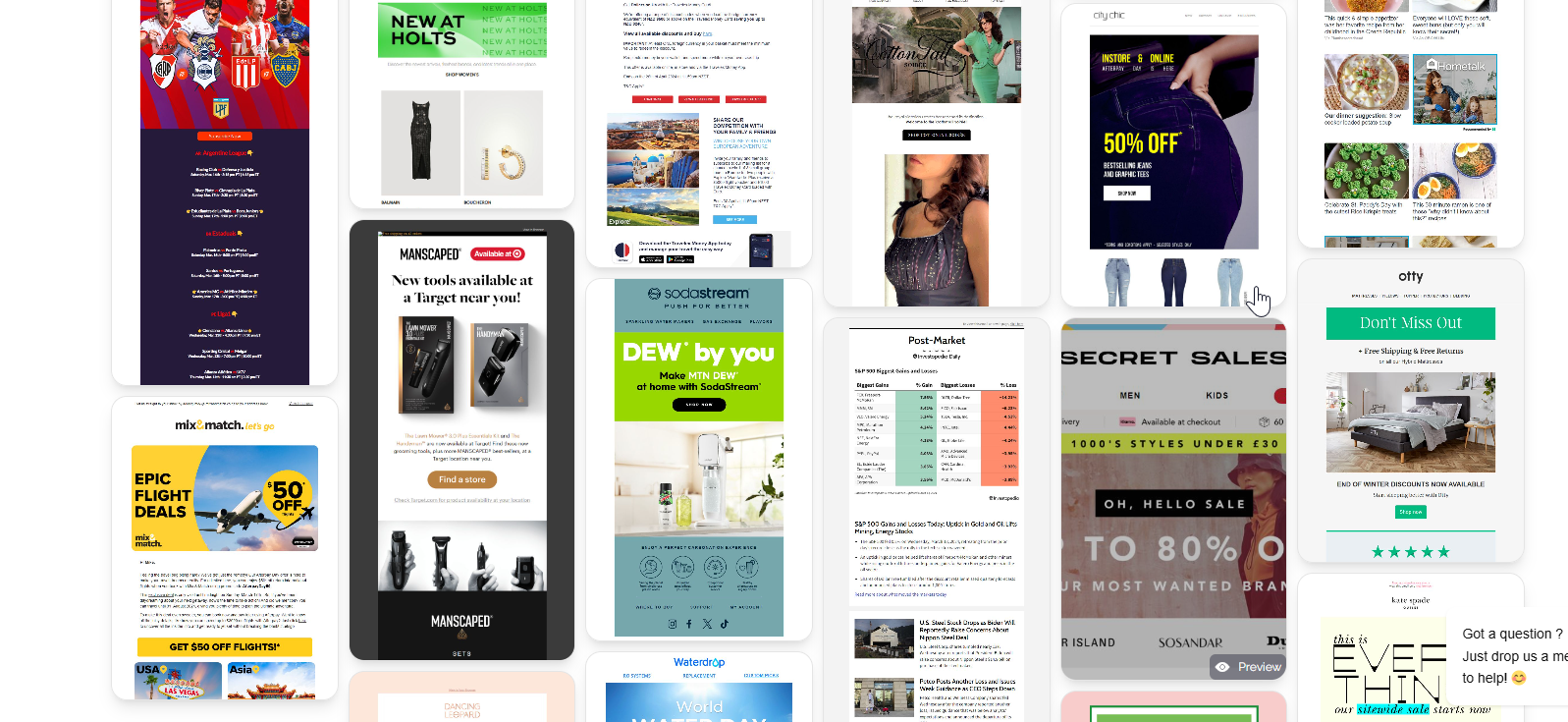
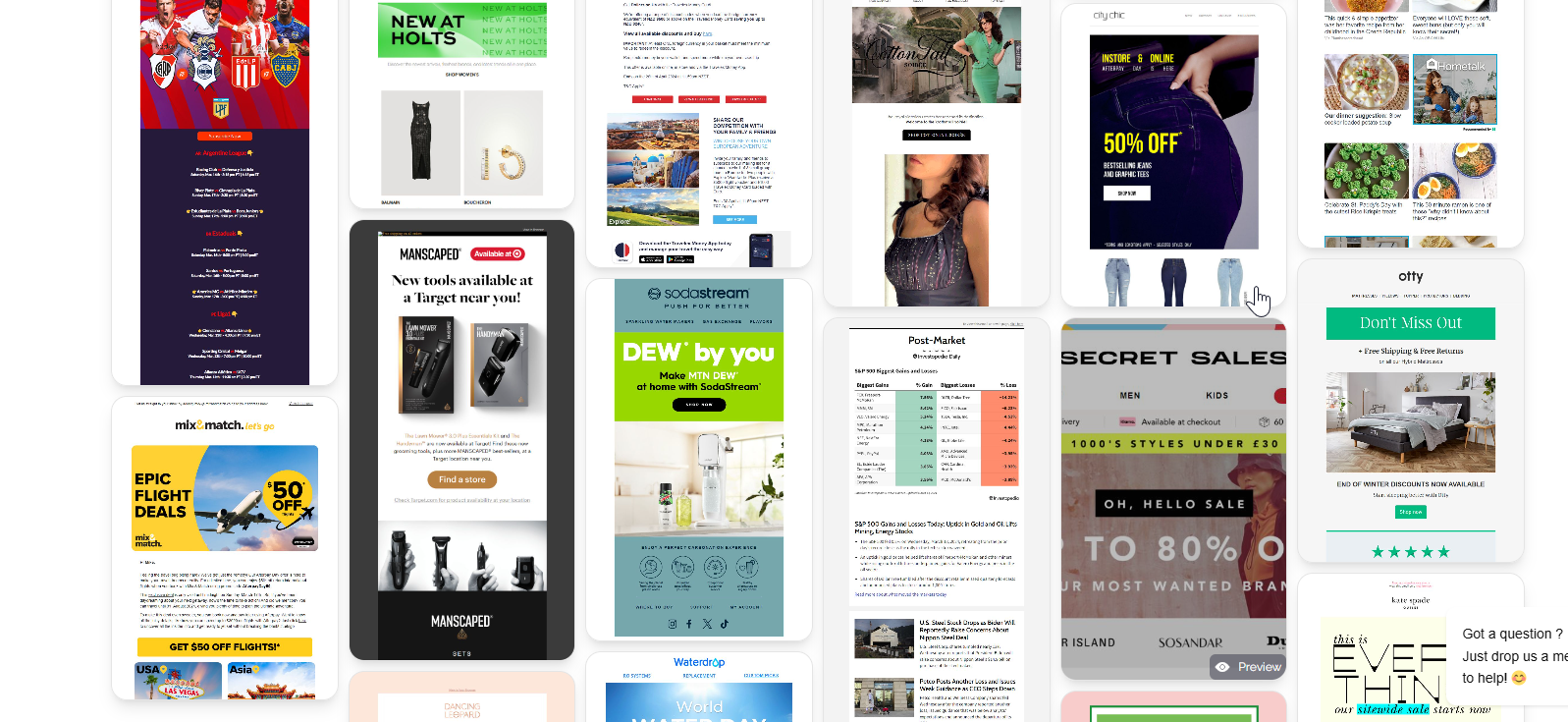
Browse MailGlider to see how top brands across e-commerce, SaaS, and media structure their personalized email campaigns — a useful reference point when deciding how to approach your own personalization strategy.