
Email Marketing Audit: How to Find and Fix What's Killing Your Results
An email marketing audit is a systematic review of your entire email program — covering deliverability infrastructure, list health, campaign performance, automation coverage, and design quality — to identify what's underperforming and why. It is the fastest way to find the biggest problems in your email program and prioritize fixes that will have the most impact.
Quick Answer: A complete email audit covers 5 areas: deliverability (authentication, reputation, bounce rates), list health (engagement rates, inactive contacts, list growth), campaign performance (opens, clicks, conversions, revenue per email), automation coverage (which sequences exist, which are missing), and design and brand consistency (mobile rendering, accessibility, brand alignment). Run through each area, score what you find, and fix the highest-impact issues first.
When to Run an Email Marketing Audit
Run a full audit when:
- Performance is declining — open rates, click rates, or revenue from email is trending down
- You've inherited a program — took over email from someone else and need to understand what's there
- You're scaling — planning to significantly increase list size or send volume
- It's been more than 6 months — a regular audit is list maintenance, not crisis management
- Deliverability issues are suspected — emails going to spam, high bounce rates, declining inbox placement
The 5-Area Email Audit Framework
Area 1: Deliverability Infrastructure
This is the foundation. Problems here cascade into every other metric.
What to check:
☐ SPF record — Verify at mxtoolbox.com/spf. Confirm it includes your ESP's sending servers and ends with ~all or -all.
☐ DKIM record — Check that your ESP has generated DKIM keys and they're correctly published in DNS. Most ESPs have a domain authentication page with a "check" button.
☐ DMARC record — Verify at mxtoolbox.com/dmarc. At minimum, should be p=none with a reporting address. Ideally p=quarantine or p=reject.
☐ Blacklist status — Check your sending domain and IP at mxtoolbox.com/blacklists. If you're listed on Spamhaus, SORBS, or similar, this is your first priority.
☐ Google Postmaster Tools — Sign up at postmaster.google.com. Check domain reputation (should be "Good") and spam rate (should be below 0.08%).
☐ Bounce rate (last 30 days) — Hard bounces should be below 2%. A spike indicates a list quality problem.
☐ Spam complaint rate — Check in your ESP's analytics. Should be below 0.1%. Above 0.3% is critical.
Red flags: Any blacklisting, DMARC not configured, spam complaint rate above 0.1%, hard bounce rate above 2%.
Priority fix: Authentication issues (SPF/DKIM/DMARC) must be resolved before anything else. No other optimization matters if your emails don't reach the inbox.
Area 2: List Health
What to check:
☐ Total list size vs. engaged list size — How many contacts have opened or clicked in the last 90 days? If less than 25% of your list is "engaged," you have a significant hygiene problem.
☐ Inactive segment — Identify contacts with no engagement in 90+ days. What percentage of your list is this? What's your plan for them?
☐ List growth rate — How fast is your list growing month-over-month? Is it growing faster than you're losing subscribers?
☐ Unsubscribe rate trend — Is your unsubscribe rate stable, rising, or falling? A rising unsubscribe rate over 3+ months indicates a systemic relevance or frequency problem.
☐ Acquisition sources — Where are new subscribers coming from? Are any sources producing low-quality (immediately-inactive) subscribers?
☐ Double opt-in status — Are you using single or double opt-in? Single opt-in lists tend to have lower engagement and higher bounce rates. Double opt-in is better for list quality.
☐ Suppression list — Verify that unsubscribes and hard bounces are properly suppressed. Check for any contacts who unsubscribed but may still be receiving emails due to a sync issue.
Red flags: Less than 25% of list engaged, unsubscribe rate rising over 3 months, bounce rate above 2%, no re-engagement campaigns running.
Priority fix: Run a re-engagement campaign for inactive contacts immediately. Clean hard bounces and review suppression sync.
Area 3: Campaign Performance
What to check:
Pull the last 90 days of campaign data. For each campaign type (promotional, newsletter, automated), record:
☐ Open rate — Benchmark against your own historical average (not industry averages, which are distorted by Apple MPP). Is it trending up or down?
☐ Click rate — Should be 2–5%+. Below 1% on a warm list is a content or CTA problem.
☐ Unsubscribe rate per campaign — Identify any campaigns with unusually high unsubscribes (above 0.5%). What was different about those campaigns?
☐ Conversion rate — Are you tracking conversions from email? If not, this is the highest-priority measurement gap to fix — add UTM parameters and connect your ESP to your analytics.
☐ Revenue per email — If you're an e-com or SaaS business and not tracking email-attributed revenue, set this up now.
☐ Best vs. worst performers — Identify your 3 best-performing campaigns and your 3 worst. What do the best have in common? What do the worst have in common?
Red flags: Click rate below 1%, no conversion tracking, large variance in performance without a known reason, revenue from email declining quarter-over-quarter.
Priority fix: Set up UTM tracking and conversion attribution immediately if it doesn't exist. Review underperforming campaigns for pattern — often it's a segmentation problem, not a content problem.
Area 4: Automation Coverage
Map every automated email sequence you have (or don't have). Check against this list:
| Automation | Have It? | Performance (if yes) | Priority (if no) |
|---|---|---|---|
| Welcome / onboarding sequence | ☐ | High | |
| Abandoned cart (e-com) | ☐ | Critical | |
| Post-purchase sequence | ☐ | High | |
| Trial-to-paid sequence (SaaS) | ☐ | Critical | |
| Re-engagement / win-back | ☐ | Medium | |
| Upsell / cross-sell | ☐ | Medium | |
| Browse abandonment (e-com) | ☐ | Medium | |
| Replenishment reminders (e-com) | ☐ | Low-Medium | |
| Payment failure recovery (SaaS) | ☐ | Critical | |
| Review request | ☐ | Medium |
For each automation that exists, also check:
☐ Is it actively monitored? Many teams set up automations and never review them. Run a performance audit on every active sequence.
☐ When was content last updated? Automations with 2-year-old copy often contain outdated product info, pricing, or offers.
☐ Are the triggers still correct? Check that behavioral triggers (cart abandonment, page visit, etc.) are still firing correctly via your ESP's event log.
Red flags: Missing critical automations (cart abandonment, onboarding), automations with outdated content, automations with no monitoring or reporting.
Priority fix: Add the highest-ROI missing automations first. For e-com: cart abandonment. For SaaS: trial-to-paid sequence. These generate revenue immediately and run continuously.
Area 5: Design and Brand Consistency
What to check:
☐ Mobile rendering — Send your 3 most common email templates to yourself and view on mobile (iOS and Android). Are they fully readable and functional?
☐ Dark mode rendering — View in dark mode. Do images disappear or render poorly? Does text become unreadable?
☐ Image-to-text ratio — Emails that are >80% images hit spam filters more frequently and fail when images are blocked. Check your template balance.
☐ Alt text on all images — Screen reader accessibility and fallback for blocked images. Is every image in your templates alt-texted?
☐ Brand consistency — Are your fonts, colors, and CTA button styles consistent across all email templates? Or have different people built templates with different design standards?
☐ Footer compliance — Does every marketing email include: physical address, unsubscribe link, and your company name? These are legal requirements under CAN-SPAM.
☐ Load time — Send a test email to mail-tester.com and check image file sizes. Emails with total image weight above 600KB load slowly on mobile.
☐ Accessibility — Check font size (minimum 14px body, 22px heading), contrast ratios, and logical reading order for screen readers.
Red flags: Broken mobile rendering, no alt text, missing footer compliance elements, brand inconsistency across templates, images above 600KB total weight.
Priority fix: Mobile rendering and footer compliance first — these are legal and functional requirements. Brand consistency second — it directly impacts perceived professionalism and subscriber trust.
Priority Matrix: Fixing What You Find
After completing each area, use this matrix to prioritize fixes:
| Severity | Impact | Examples | Action |
|---|---|---|---|
| Critical | Program-level | Blacklisted, authentication missing, spam complaint spike | Fix within 24 hours |
| High | Significant revenue/engagement impact | Missing cart abandonment, list with <25% engagement, no conversion tracking | Fix within 2 weeks |
| Medium | Meaningful improvement | Mobile rendering issues, outdated automation copy, no re-engagement program | Fix within 4 weeks |
| Low | Polish and optimization | Brand consistency, alt text, load time | Fix in next sprint |
Email Audit Summary Scorecard
After completing each area, score yourself 1–5:
| Area | Score (1–5) | Biggest Issue Found |
|---|---|---|
| Deliverability infrastructure | ||
| List health | ||
| Campaign performance | ||
| Automation coverage | ||
| Design and brand | ||
| Total | /25 |
Interpretation:
- 20–25: Strong program — focus on optimization
- 14–19: Solid foundation, meaningful gaps — prioritize medium-impact fixes
- 8–13: Significant issues — address critical and high items before optimization
- Below 8: Program needs rebuilding — start with deliverability and list health
Frequently Asked Questions
How long does an email marketing audit take?
A thorough audit covering all 5 areas takes 60–90 minutes for someone familiar with the program, or 2–4 hours for someone inheriting a program from someone else. The deliverability checks are fastest (30 minutes); the campaign performance and automation review takes the most time.
How often should I audit my email marketing program?
Full audit: every 6 months. Lighter monthly review (deliverability signals, unsubscribe rate, click rate trend): monthly. After any major list addition (new source, large import): immediately.
What's the most common issue found in email audits?
Deliverability authentication issues (especially DMARC not configured) and inactive list segments are the two most common. Both are fixable in a day but can significantly impact performance if left unaddressed.
Should I hire someone to audit my email marketing program?
For a first audit, doing it yourself with this framework teaches you the most about your program. For established programs or situations where deliverability damage is suspected, an email deliverability specialist can do a deeper technical audit and interpret signals that require ESP or postmaster access.
What do I do if I find my domain is blacklisted?
Identify which blacklist(s) you're on (MXToolbox will show this). Investigate the cause (usually: list quality issue, spam complaint spike, or sending from a new domain without warming up). Fix the cause first, then submit a delisting request to each blacklist. Delisting can take 24 hours to several weeks.
Conclusion
An email audit is not a crisis measure — it's a maintenance habit. Run one every six months to catch problems before they compound, identify gaps in your automation coverage, and make sure your technical foundation is solid.
The highest-impact areas to fix, in order: deliverability infrastructure (gets you to the inbox), list health (ensures the people you're reaching are engaged), missing automations (revenue running 24/7 without ongoing effort), and campaign performance measurement (so you can actually learn from what you send).
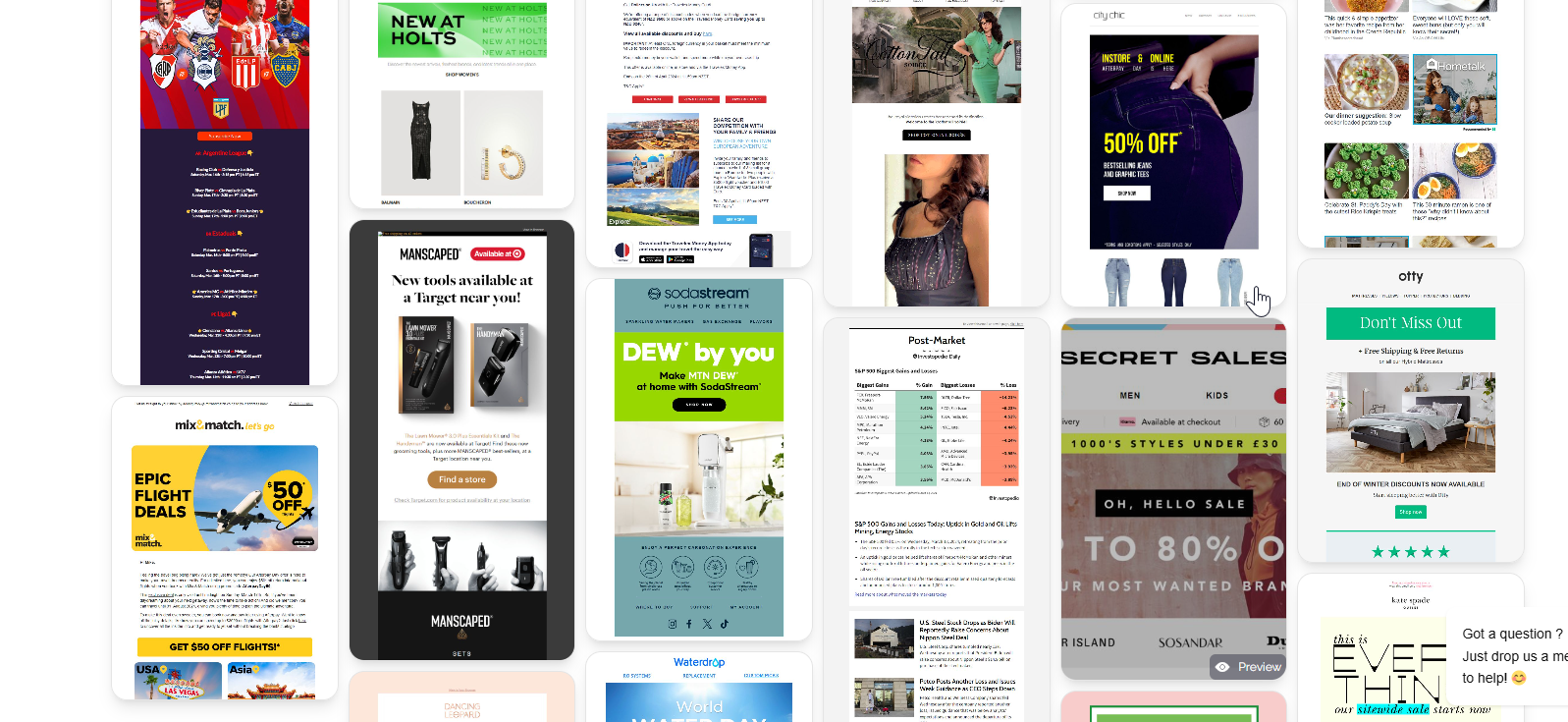
When you're ready to improve the design and content of your emails after fixing the fundamentals, browse MailGlider — a library of real emails from top brands across industries, the fastest way to understand what high-quality email actually looks like before you redesign your own.