Email Deliverability 101: How to Actually Land in the Inbox
Email deliverability is the ability to get your emails into the primary inbox of your recipients — not the spam folder, not the promotions tab, the inbox. It's one of the most technical areas of email marketing, and one of the most commonly neglected until something breaks.
Quick Answer: Deliverability is determined by your sending reputation (domain and IP), email authentication setup (SPF, DKIM, DMARC), list quality, and content. Poor deliverability = your emails are being sent but not being received. You can have a 0% open rate and not know it's a deliverability problem.
Why Deliverability Matters More Than Almost Everything Else
It doesn't matter how well-written your email is if it never reaches the inbox. Consider this:
- An email with 30% deliverability and a 40% open rate performs worse than an email with 95% deliverability and a 25% open rate
- Spam folder placement = invisible — your subscriber never knows you sent it
- High spam complaint rates (>0.3%) can get your sending domain blacklisted by Gmail and Yahoo
Deliverability is the invisible ceiling on everything else you do with email. Fix it first, optimize everything else second.
The 3 Pillars of Email Deliverability
Pillar 1: Authentication
Email authentication tells receiving servers that your emails are genuinely from you — not a scammer spoofing your domain. Three records work together:
SPF (Sender Policy Framework)
A DNS record that lists which mail servers are authorized to send email from your domain. When Gmail receives an email from @yourcompany.com, it checks your SPF record to see if that server is on the approved list.
Setup: Add a TXT record to your domain DNS:
v=spf1 include:sendgrid.net include:mailchimp.com ~all
(Replace with your actual ESP's SPF include)
DKIM (DomainKeys Identified Mail)
A cryptographic signature added to every outgoing email. The receiving server checks the signature against a public key in your DNS to verify the email wasn't tampered with in transit.
Setup: Your ESP generates a DKIM key pair. You add the public key as a TXT record in DNS. Most major ESPs walk you through this in their domain verification settings.
DMARC (Domain-based Message Authentication, Reporting & Conformance)
A policy that tells receiving servers what to do if SPF or DKIM fails — reject, quarantine, or allow. It also enables reporting so you can see who's sending email from your domain.
Setup: Add a TXT record:
v=DMARC1; p=quarantine; rua=mailto:dmarc-reports@yourcompany.com
In 2024, Google and Yahoo made DMARC mandatory for bulk senders. If you're sending to Gmail or Yahoo addresses (almost everyone is), you need all three configured correctly.
| Auth Record | What It Does | Required? |
|---|---|---|
| SPF | Authorizes your sending server | ✅ Yes |
| DKIM | Signs outgoing emails | ✅ Yes |
| DMARC | Sets policy + enables reporting | ✅ Yes (for bulk senders) |
Pillar 2: Sending Reputation
Even with perfect authentication, your reputation matters. Email providers track:
Domain reputation: The sending history of your domain. A new domain with no history will be treated with more suspicion than an established domain that's been sending clean email for years.
IP reputation: Whether the IP address you're sending from has been used for spam. Most ESPs use shared IP pools, so their reputation reflects on you. High-volume senders often use dedicated IPs.
Engagement signals: Gmail and other providers track whether recipients open, click, reply to, or delete/mark-as-spam your emails. High engagement = good reputation signal. Low engagement or high spam complaints = bad.
How to Build and Protect Sending Reputation
- Warm up new domains/IPs slowly. Don't go from 0 to 100,000 emails on day one. Ramp up over 4–6 weeks: 500 → 1,000 → 5,000 → 20,000 → 50,000.
- Send to engaged subscribers first. When warming up, start with your most active segment — people who opened or clicked in the last 30 days.
- Monitor your spam complaint rate. Keep it below 0.1% (Google's threshold is 0.08% before they start filtering). Use Google Postmaster Tools to track this for Gmail recipients.
- Don't send to unengaged contacts forever. Run re-engagement campaigns. Suppress anyone who hasn't opened in 6+ months.
Pillar 3: List Quality
Your list is the foundation of your deliverability. A dirty list will undermine everything else.
What hurts list quality:
Hard bounces: Emails that permanently failed to deliver (address doesn't exist, domain doesn't exist). A bounce rate above 2% is a serious warning sign. Hard bounces should be removed immediately and automatically.
Spam traps: Email addresses specifically used by anti-spam organizations to catch senders with poor list hygiene. There are two types:
- Pristine spam traps: Addresses that have never been used by a real person. If you're hitting these, you bought or scraped a list.
- Recycled spam traps: Former valid addresses that were abandoned and converted into traps. If you're hitting these, your list is old and you haven't removed unengaged contacts.
Inactive subscribers: People who haven't opened or clicked in 6–12 months. They lower your engagement rates, which hurts your reputation signals.
Role-based addresses: info@, support@, admin@ — these are often monitored by multiple people, high-spam-report risk, and should generally be excluded from marketing lists.
Common Deliverability Problems and How to Fix Them
Problem: Open rates suddenly dropped 50%
Likely causes:
- Domain or IP blacklisted
- DMARC/SPF/DKIM misconfiguration
- Subject line flagged as spam-like
- Recent send to a very cold or purchased list
How to diagnose:
- Check MXToolbox blacklist lookup for your domain and IP
- Check Google Postmaster Tools for domain reputation status
- Send a test email to a seed address and check headers for spam scoring
- Look at bounce and complaint rates for the last 30 days
Problem: Emails going to the Gmail Promotions tab
This is not technically a deliverability failure — the email arrived, just not in the primary inbox. But it reduces open rates.
Fixes:
- Ask subscribers to move your email to primary inbox (works surprisingly well when you explain why)
- Reduce the number of images and links (heavy image-to-text ratio triggers Promotions)
- Avoid using the word "newsletter" in your from-name
- Encourage replies (Gmail looks at conversation history)
Problem: Bounce rate above 2%
Likely causes:
- List hasn't been cleaned recently
- Sending to old contacts who've changed addresses
- Purchased or scraped list (immediate problem)
Fix:
- Use an email verification service (NeverBounce, ZeroBounce, Kickbox) to scrub the list
- Set up automatic hard bounce suppression in your ESP (this should be on by default)
- Never send to a cold or purchased list without cleaning it first
Deliverability Maintenance Checklist
Run through this quarterly:
- SPF, DKIM, DMARC records verified and valid
- No domains or IPs on major blacklists
- Hard bounce rate below 2%
- Spam complaint rate below 0.08%
- Inactive subscribers (6+ months no engagement) suppressed or re-engaged
- Role-based addresses excluded from marketing sends
- List verification run on any new or imported addresses
- Google Postmaster Tools showing "Good" domain reputation
- Sending volume increasing gradually for new domains (if applicable)
Tools for Monitoring Email Deliverability
| Tool | What It Does | Cost |
|---|---|---|
| Google Postmaster Tools | Tracks Gmail domain/IP reputation, spam rate | Free |
| MXToolbox | Blacklist lookup, DNS record checker | Free (basic) |
| Mail-Tester | Scores your email for spam likelihood before sending | Free |
| NeverBounce / ZeroBounce | Email list verification and cleaning | Paid |
| GlockApps | Inbox placement testing across providers | Paid |
| Litmus Spam Testing | Pre-send spam filter testing | Paid (part of Litmus suite) |
Frequently Asked Questions
What is a good email deliverability rate?
95%+ is good. 98%+ is excellent. Below 90% means something is wrong — authentication issues, a dirty list, or reputation damage — and needs to be diagnosed.
Why are my emails going to spam?
The most common causes are: missing or broken SPF/DKIM/DMARC records, high spam complaint rates, sending to old or purchased lists with many invalid addresses, or spam-like content (excessive images, misleading subject lines, too many links).
How do I check my email deliverability?
Use Google Postmaster Tools to track Gmail delivery rates and domain reputation. Use MXToolbox to check for blacklisting. Send test emails through Mail-Tester.com for a spam score before sending a campaign.
Does email content affect deliverability?
Yes. Spam filters analyze content. Things that hurt: lots of images with little text, excessive exclamation marks or all-caps subject lines, too many links, spam trigger words ("FREE!!!", "guarantee", "winner"), and attachments from new domains.
How long does it take to fix a deliverability problem?
It depends on the cause. A DMARC/SPF fix propagates in 24–72 hours. A blacklisting removal can take 24 hours to several weeks depending on the blacklist. A damaged domain reputation can take months to rehabilitate with consistent clean sending.
Conclusion
Email deliverability is infrastructure, not a campaign optimization. Get it right once, maintain it consistently, and it compounds in your favor. Ignore it and even a perfectly crafted campaign can disappear into the spam folder.
The short checklist: authenticate your domain (SPF + DKIM + DMARC), keep your list clean, monitor your reputation signals, and warm up new sending infrastructure slowly. Do those four things and you'll be in better shape than the majority of email senders.
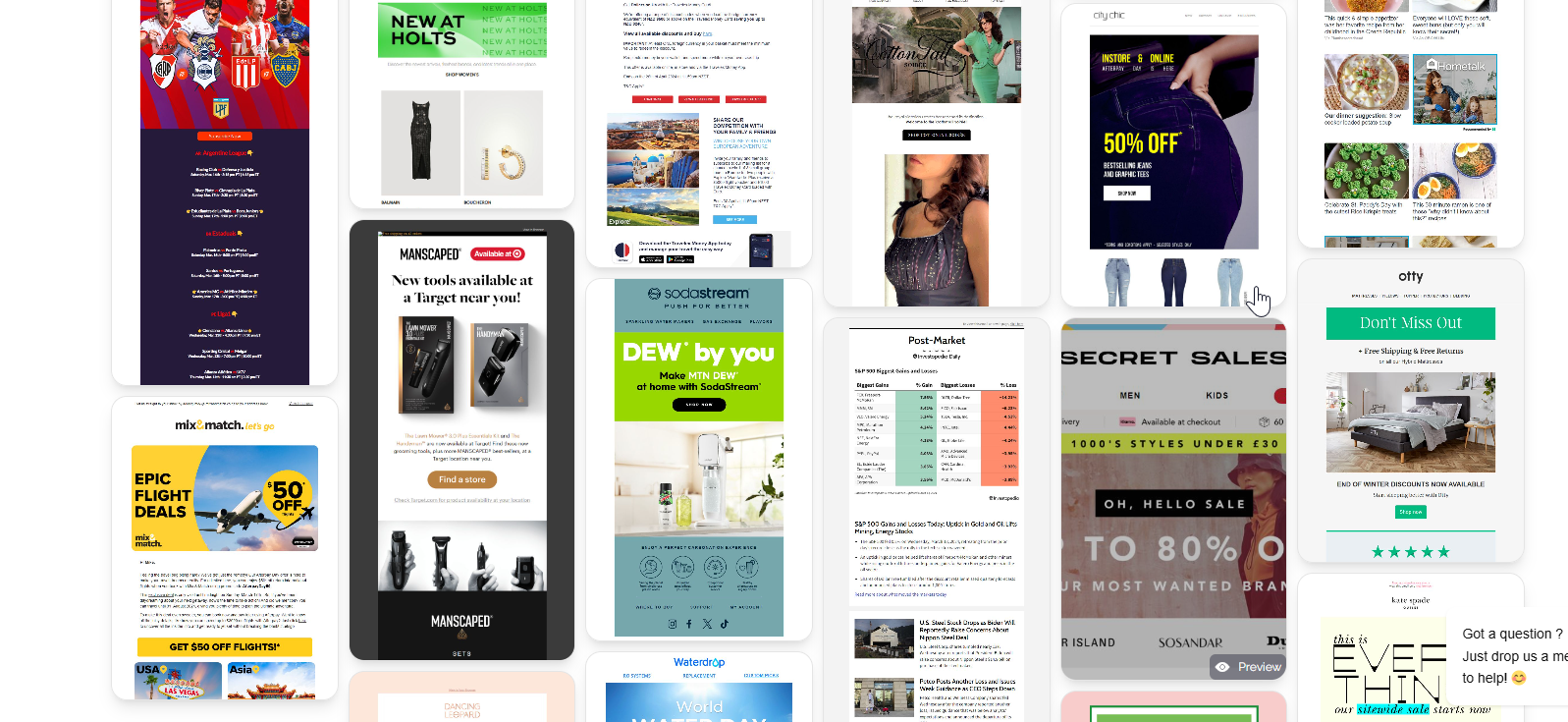
When you're ready to build campaigns that deserve to land in the inbox, browse MailGlider for real examples of how top brands structure their emails — the design and content patterns that keep subscribers engaged and spam complaints low.